Behind the scenes: how VegaDigi builds and maintains the live demo servers you click through before buying
· VegaDigi Journal
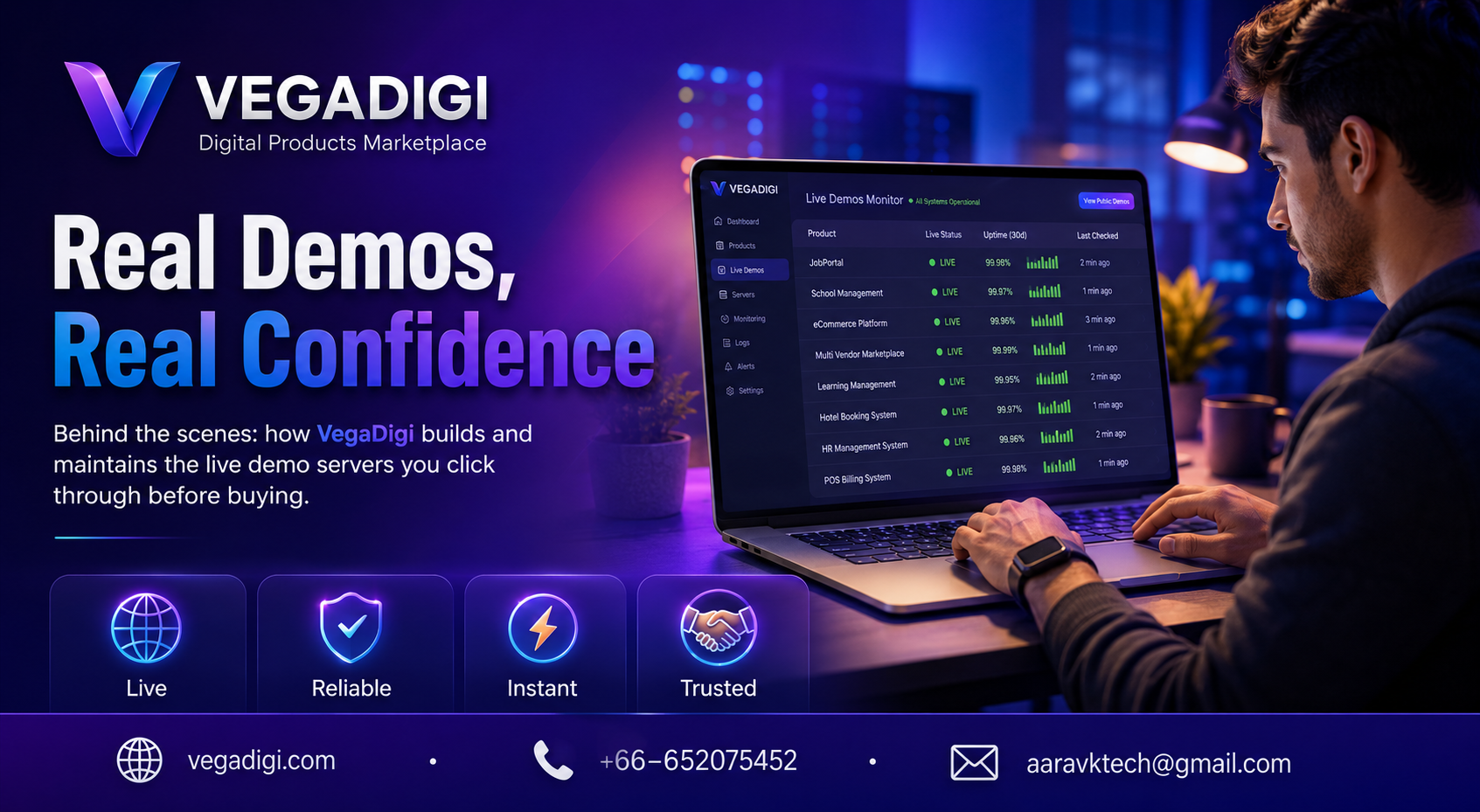
If you've ever browsed a source code marketplace, you've probably clicked a Live Demo link out of habit, half-expecting a slideshow of screenshots pretending to be a product. On VegaDigi, that button isn't decoration. Here's what actually happens behind it, and why it matters if you're about to buy source code for your next project.
Why a real running demo changes the buying decision
When you're evaluating a WordPress theme, a SaaS script or an Android app source code package, screenshots only tell you what something looks like frozen in time. A live, working demo tells you how it actually behaves - how the navigation feels, whether the dashboard loads properly, how forms respond. That's a very different kind of confidence before you spend money on a foundation for your project.
How VegaDigi keeps demo servers alive and honest
Every product listed with a live demo link is tied to an actual running instance, not a static capture. On our end, we keep an eye on server status so that when a buyer clicks through, they're seeing the product functioning as intended rather than a broken or outdated build. It's a small piece of infrastructure work that most marketplaces skip, but it's the difference between browsing and actually evaluating.
What this means for developers, agencies and startups
If you're a freelancer comparing three PHP scripts for a client project, or a startup founder deciding between two ecommerce foundations, a working demo lets you click through the real thing before you commit. You can test the checkout flow, poke at the admin panel, check how the mobile view renders - all before a rupee changes hands. That's a meaningfully different research process than reading a feature list and hoping for the best.
It doesn't replace your own due diligence
A live demo shows you the product as delivered - it's still on you to check whether it fits your requirements, your tech stack comfort level, and your customization plans. Ready-made source code gets you a working starting point, not a finished, zero-effort business. The demo is there so that starting point is exactly what you expected it to be.
My take: if a marketplace only shows screenshots and no live demo, treat that as a yellow flag - you're buying blind. Always click through the actual demo before purchasing any source code, test the core flows yourself, and only then decide if it's the right foundation to customize and build on.