Buyer FAQ: How do I know a VegaDigi script will actually run on my hosting before I buy it?
· VegaDigi Journal
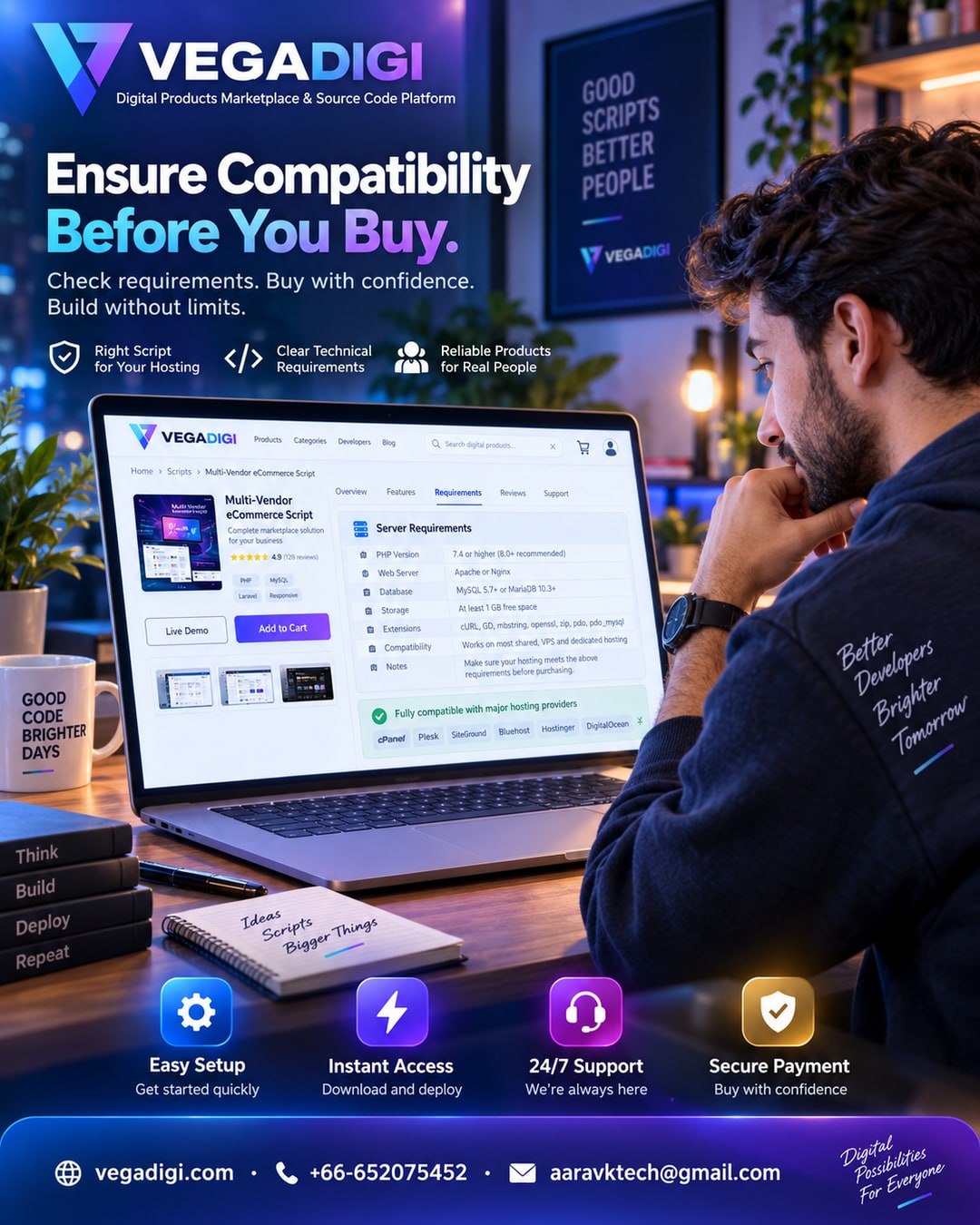
If youve ever bought a script online only to find out later it needs a PHP version your host doesnt support, you know the frustration. This is one of the most common questions VegaDigi buyers ask before checkout: how do I know a piece of source code will actually work with my hosting or stack? Heres what you should be looking at before you commit.
Why compatibility matters more than the price tag
A great script at a great price is useless if it cant run in your environment. Server requirements, database type, and framework version all determine whether a script will install cleanly or cause you a weekend of troubleshooting. Before you buy any source code, the goal isnt just finding something that looks polished, its finding something that fits the technical reality of where youll deploy it.
What to check on the listing before you buy
Most solid marketplaces, including VegaDigi, list technical requirements directly on the product page. Look for the server type, minimum PHP or Node version, database requirements, and any third-party dependencies. If a live demo is available, use it. A working demo tells you more in five minutes than a feature list ever will.
Ask before you assume
If a requirement isnt clearly listed, dont guess. Reach out through the sellers Q&A or support channel and confirm before purchasing. It takes a few minutes and can save you from buying something that doesnt fit your setup. This is especially important for agencies managing multiple client environments with different hosting constraints.
Staging first, always
Even after confirming compatibility, never deploy straight to a live domain. Test on a staging environment first. This lets you catch any environment-specific quirks, like missing PHP extensions or database permission issues, without any risk to a live project.
The real point of checking compatibility
This isnt about being overly cautious, its about starting smart. The whole idea behind using ready-made source code is to skip unnecessary rebuilding, not to trade one set of problems for another. A quick compatibility check before you buy means you spend your time customizing and launching, not debugging basic setup issues.
My take: if youre buying source code for a client project or anything going live soon, spend the extra ten minutes reading the requirements and testing the demo before checkout. Its a small step that avoids a much bigger headache later, and it's exactly the kind of due diligence that separates a smooth launch from a stressful one.