Connecting Ready-Made VegaDigi Source Code Into the Tools Your Business Already Runs On
· VegaDigi Journal
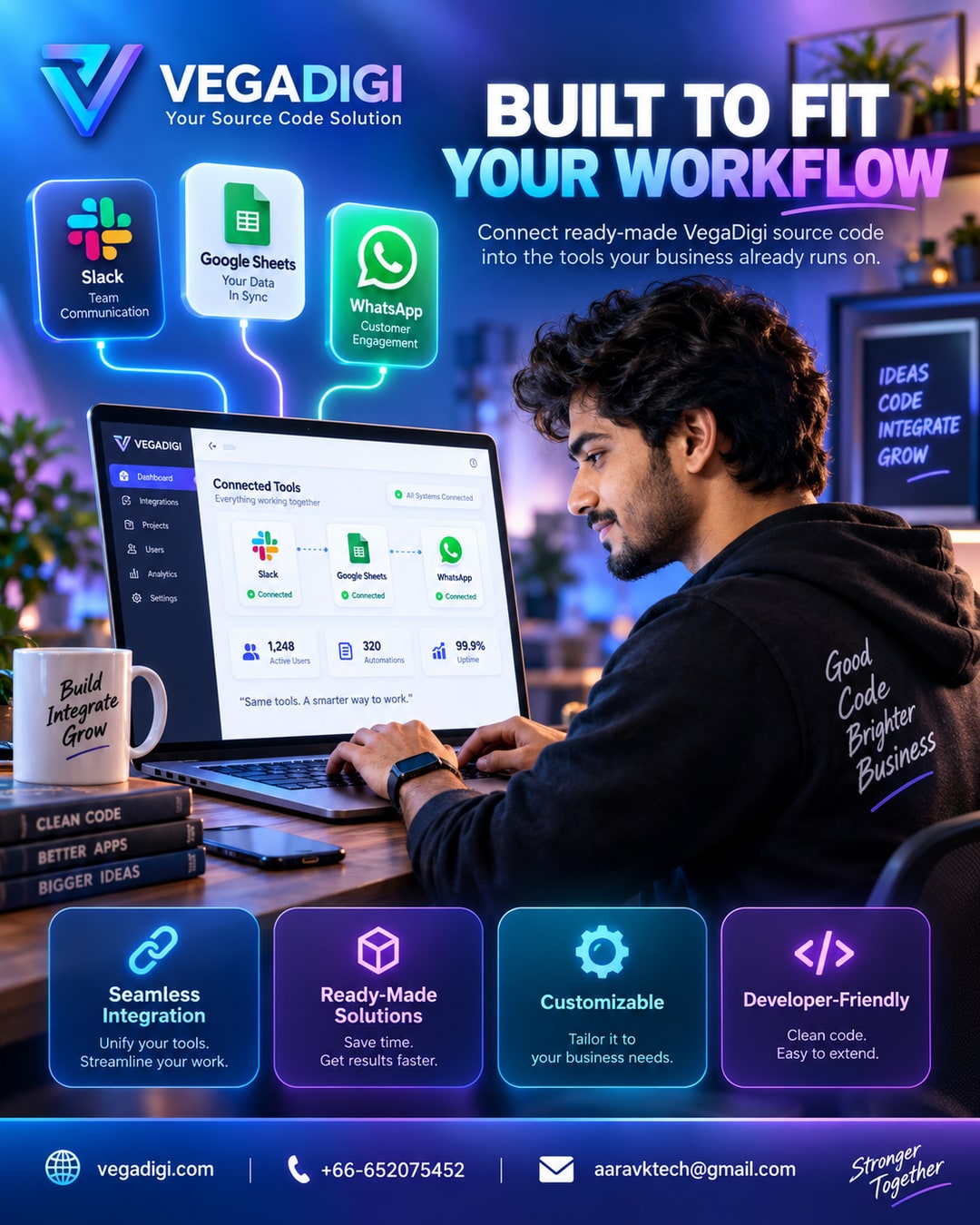
Here's a scenario a lot of founders and agency owners know too well: you finally buy a ready-made script or app template, get it running, and then realize it lives in its own little bubble. It doesn't talk to the Slack channel your team checks fifty times a day. It doesn't update the Google Sheet your accountant lives in. It doesn't ping WhatsApp when a new order comes in. So now you're manually copying data between systems, which defeats half the point of starting with ready-made source code in the first place.
Why workflow fit matters more than people expect
Most teams don't fail at adopting new software because the software is bad. They fail because the new tool becomes an island. If your team already lives inside Slack for updates, Sheets for tracking, and a specific payment gateway for transactions, any new source code you bring in needs a path to connect with those, even if that connection takes some setup work on your end.
What integration actually looks like in practice
This isn't about magic no-code plugins that do everything instantly. It's about picking source code that's structured cleanly enough that a developer, freelancer, or technical teammate can wire in a webhook to Slack, export data to Sheets, or connect an existing payment gateway without gutting the whole codebase. On VegaDigi, browsing product categories like business management software, SaaS scripts, or ecommerce solutions with this lens in mind - can this be connected into what we already use - changes how you shortlist products.
Where teams get this wrong
A common mistake is assuming every purchased script has to replace everything you currently do. It doesn't. The smarter move is treating a new source code purchase as a foundation you customize and configure to sit next to your existing stack, not on top of it, tearing it out.
Setting expectations before you buy
Before purchasing any script or app, it's worth asking a simple question: what does this need to connect to, and does the codebase make that realistic? Reading available documentation, checking the seller Q&A tab for structure questions, and thinking through your actual daily tools - Slack, Sheets, WhatsApp Business, your payment processor - before you buy saves a lot of rework after.
My take: if you're a solo founder or small team already relying on two or three core tools daily, don't buy source code in isolation. Shortlist a couple of ready-made options on VegaDigi, check their structure and documentation, and think through the connection points before you commit. It's a small extra step that saves you from building your dream software on top of a workflow it was never meant to fit into.