FAQ answered: can I use one purchased VegaDigi source code for multiple client projects, or is it single-use only?
· VegaDigi Journal
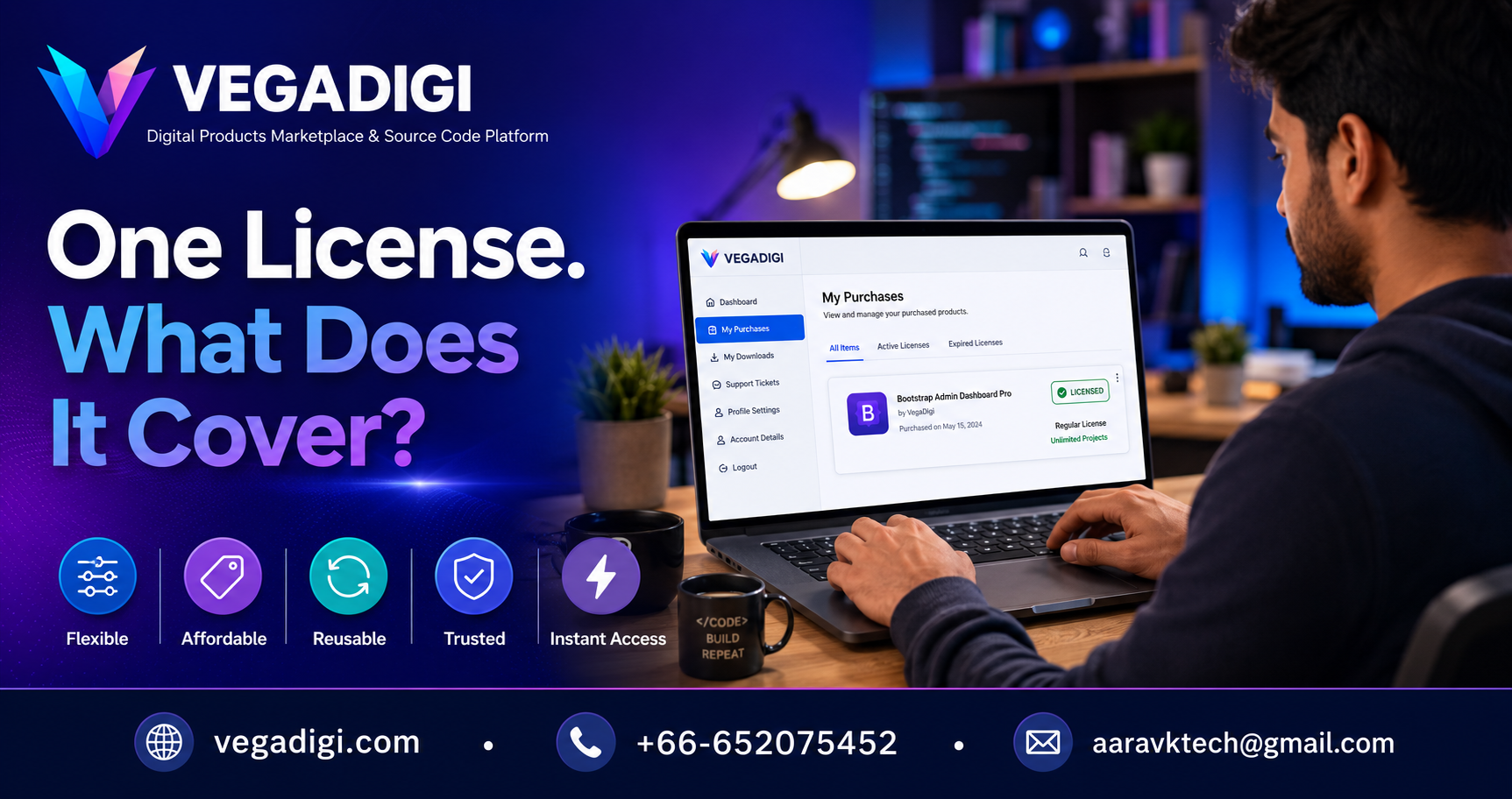
If you're a freelancer or agency owner browsing a source-code marketplace, this question probably comes up before you ever click buy: once I own this code, can I use it again for my next client, or is it good for one project only? It's a fair concern, and the answer isn't the same for every product - so here's how to actually check it, not guess it.
Why this question matters more than it seems
For a solo freelancer, reusing a solid foundation across two or three client builds can genuinely change how many projects you take on in a month. For an agency, it affects how you scope pricing and timelines for new clients. Getting this wrong - either assuming you can reuse something you can't, or paying separately when you didn't need to - creates real friction later. That's why license clarity matters before purchase, not after.
Where license scope actually lives on VegaDigi
Every product listing on VegaDigi carries its own license information, visible on the product page itself. Some source code products are scoped for single-project use. Others are structured to allow broader reuse. There's no single blanket rule across the entire marketplace - it depends on the individual product and how its creator has structured the listing. The practical takeaway: read the license section for that specific script or template before you buy, not the general FAQ, because scope can differ product to product.
What to do if you're planning to reuse code across clients
If reusing a foundation across multiple client projects is part of your workflow as a freelancer or agency, build a quick habit: open the license tab first, confirm what's covered, and only then add to cart. If a listing isn't clear enough for your use case, that's worth resolving before purchase rather than assuming and dealing with it mid-project.
Where to check your own purchases
Once you've bought something, your license terms don't disappear - they're tied to that purchase in your VegaDigi account, so you can refer back whenever you're starting a new project and trying to remember what you're allowed to do with a piece of code you bought months ago.
My take
If you're a solo freelancer doing one-off client sites, license scope might not change your buying decision much - just confirm it and move on. But if you're an agency planning to lean on the same foundation across several client engagements, don't skip this step - spend the five minutes reading the actual license tab on each product before you commit, because that's where the real answer lives, not in a general assumption about how marketplaces usually work.