FAQ Answered: Is the Live Demo Exactly What I Get After I Buy?
· VegaDigi Journal
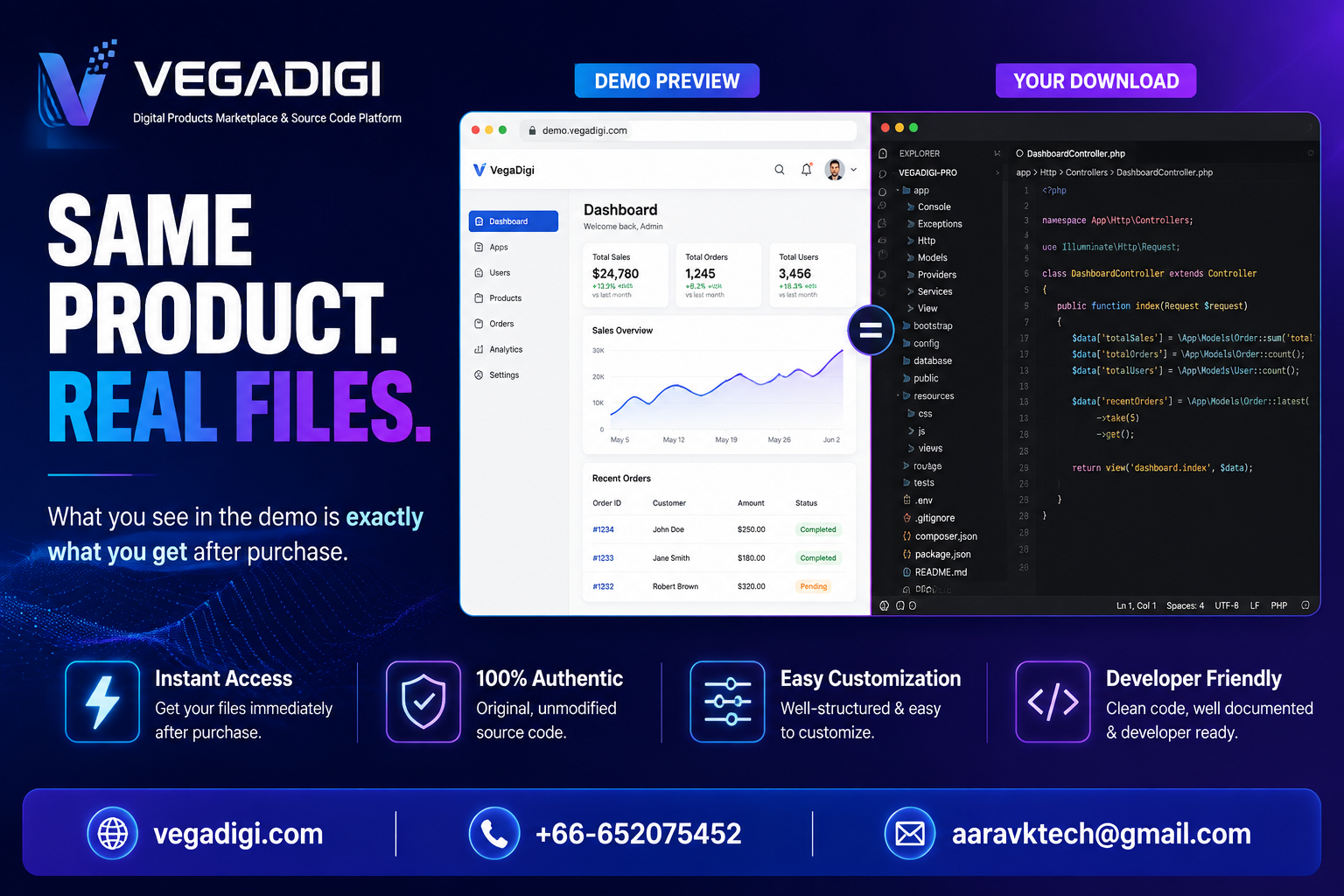
If you've ever bought a template or script online only to find the real files look nothing like the polished preview, you already know why this question matters. Before spending money on ready-made source code, it's fair to ask: is the live demo you're clicking through actually the product you'll receive, or just marketing gloss?
Why This Question Comes Up So Often
Most people evaluating source code have been burned before somewhere - a screenshot that looked great but shipped broken, or a preview built with placeholder content that never matched the final files. That history makes buyers cautious, and rightly so. It's a reasonable objection, not an unreasonable one.
What You're Actually Looking At in a VegaDigi Demo
On VegaDigi, the demo attached to a listing is a working instance of the same source code you download after purchase. Clicking through the demo means you're testing the same screens, same structure, and same core functionality that ships in the files. You're not previewing a mockup - you're previewing the product itself.
How to Verify This Yourself Before Buying
Don't just take a listing's word for it. Click through every major screen in the demo, not just the homepage. Test a few interactive elements if the demo allows it. Compare what the product description promises against what the demo actually shows. If something in the listing feels vague, that's your cue to ask before purchasing rather than after.
What Still Depends on You
Seeing the demo tells you what the foundation looks like out of the box. It doesn't mean zero setup work - you'll still need to customize branding, configure settings, and set it up for your own use case. A ready-made foundation shortens the starting point; it doesn't remove the customize-and-launch steps entirely.
Why This Matters More for Startups and Agencies
For a developer buying one script, a mismatch is annoying. For an agency promising a client a launch timeline, or a startup founder betting a runway decision on a foundation, that mismatch is expensive. Knowing the demo is representative lets you plan setup time realistically instead of discovering gaps mid-project.
My Take
If you're evaluating source code anywhere - VegaDigi or otherwise - treat the demo as your due diligence step, not a formality. Click through it properly before you buy. On VegaDigi specifically, what you see in that demo is the same foundation you'll be customizing, so the real work starts after purchase, not the guessing.