How VegaDigi source code drops straight into the Git, GitHub and deployment workflow developers already use
· VegaDigi Journal
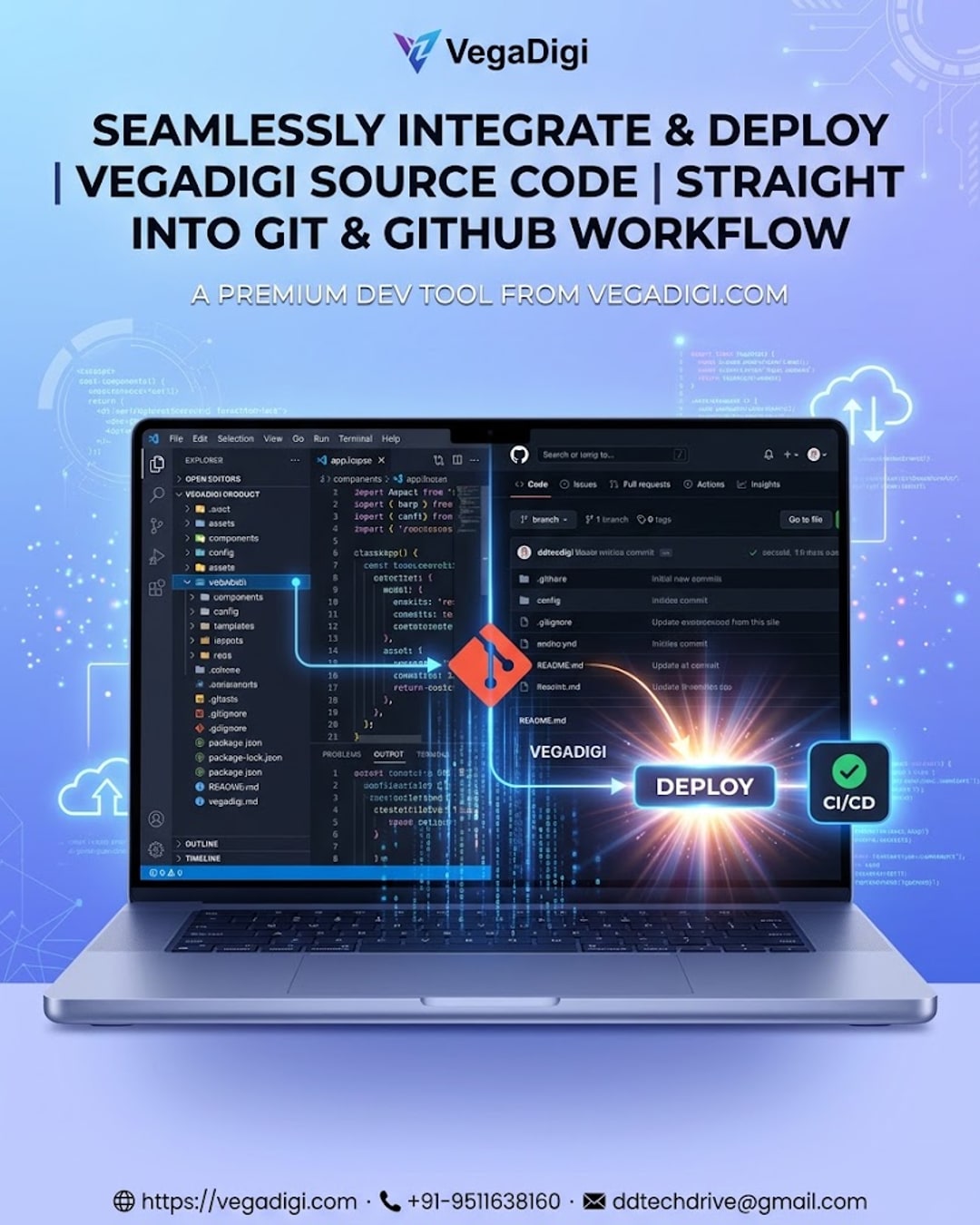
If you've ever bought a template or script only to find it lives awkwardly outside your usual setup, you know the friction that creates. You end up rebuilding folder structures, re-configuring your editor, or wrestling the files into your repo before you can even start real work. That friction is exactly what VegaDigi's source code products are built to avoid.
Why Workflow Fit Matters More Than the Code Itself
Most developers, freelancers and agencies already have a rhythm: open the project in VS Code (or your editor of choice), track changes with Git, push to GitHub or GitLab, and deploy through a host or CI pipeline you trust. A source code purchase that ignores this rhythm becomes a side project of its own — extra setup time before you've written a single line of customization.
How VegaDigi Source Code Slots In
Every VegaDigi product is packaged with a clear, logical folder structure and documentation, so when you download it, you can drop it straight into a new or existing repository, open it in your editor, and start reviewing the codebase the way you would any other project. From there, your usual Git workflow — branching, committing, pushing — carries on exactly as it does today.
From Local Editor to Live Deployment
Once you've customized the source code to match your branding and requirements, deployment follows your normal process too. Whether you deploy through a hosting control panel, a platform-based pipeline, or a manual server push, the source code isn't locked into any proprietary deploy method — it's just a codebase, ready to move through the pipeline you already run.
Why This Matters for Agencies and Freelancers
For agencies juggling multiple client builds, this matters even more. A foundation that fits your existing workflow means less onboarding time per project and more consistency across your team's process — everyone still works the way they already know, just with a head start on the build itself.
What This Doesn't Mean
It's worth being clear: fitting into your workflow doesn't mean zero setup or zero customization. You'll still configure environment variables, review the code, adjust it to your requirements, and test before going live. What VegaDigi removes is the friction of starting from an empty screen — not the work of making the project truly yours.
My Take
If you're a developer or small team that already has a Git-based workflow you like, this is exactly the kind of source code marketplace worth browsing before your next build — you're not adding complexity, you're adding a starting point. If you're newer to development and don't yet have an established workflow, it's still worth exploring VegaDigi's categories, but budget a little extra time to get comfortable with Git and your editor alongside the source code itself. Either way, starting with a ready foundation beats starting from zero.