Local kirana and grocery store owners launching a hyperlocal grocery delivery app with a ready-made VegaDigi grocery delivery script
· VegaDigi Journal
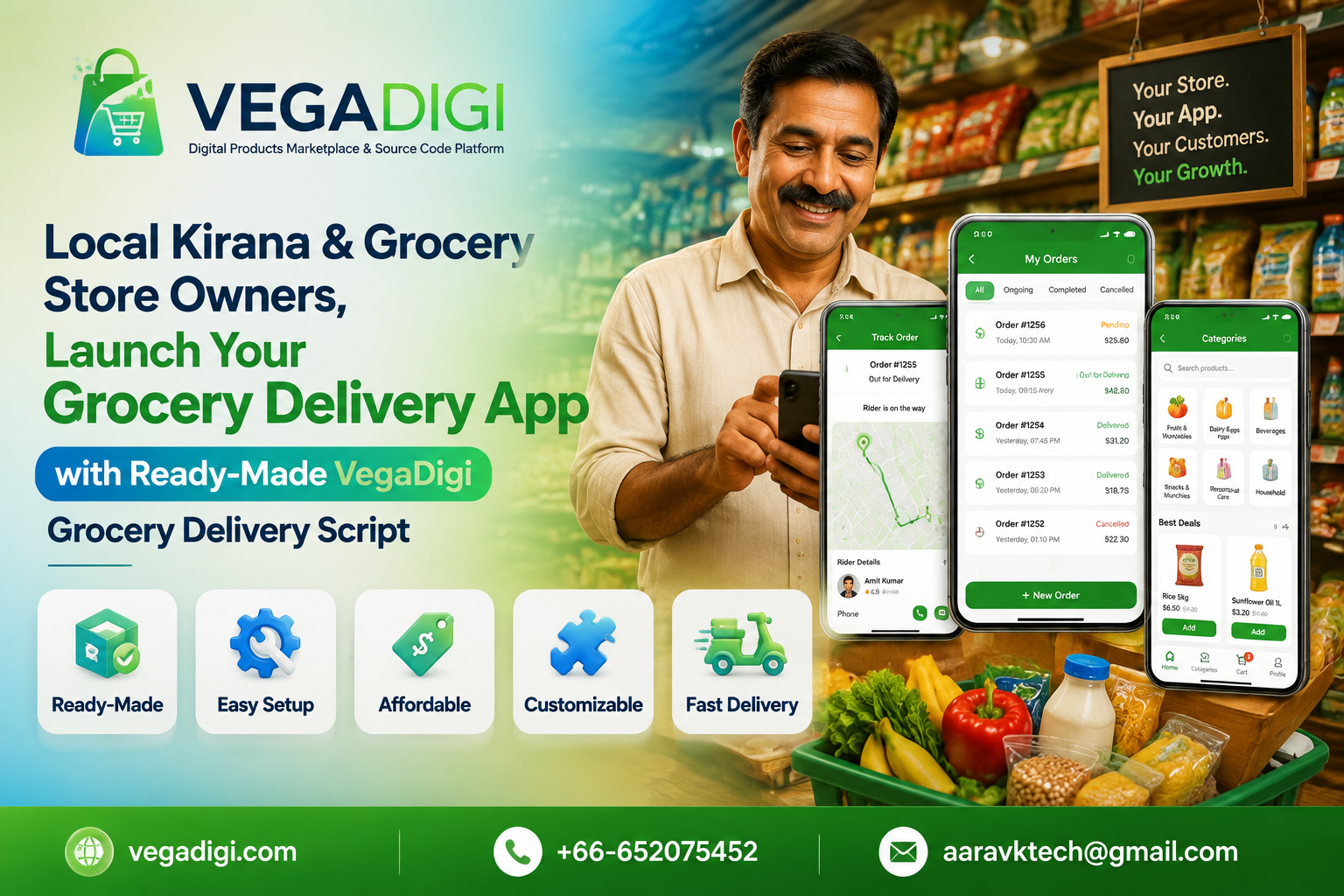
Walk through any neighbourhood in India today and you'll notice something - the local kirana store that used to take phone orders is now trying to figure out how to go digital. Customers want to order from an app, track their delivery, and pay online. Building that from scratch, though, is a different challenge altogether.
The real cost of building a delivery app from zero
A grocery delivery platform isn't just a shopping cart. It needs an order management system, a product catalog that can be updated easily, a delivery tracking flow, and often a way to manage multiple delivery staff or slots. Hiring developers to build all of this from a blank screen means specifying requirements, waiting through design and development cycles, and testing before anything even resembles a usable app. For a small store owner, that's time and money that could be spent actually serving customers.
Starting with a ready-made foundation instead
This is where a ready-made grocery delivery script changes the equation. Instead of starting from an empty project, a store owner can begin with source code that already has the core structure in place - product listings, order flow, and delivery tracking. From there, the real work becomes customization: adding your store's products, adjusting categories, setting your delivery area, and applying your own branding.
What customization actually looks like
It's worth being clear here - buying ready-made source code isn't the same as getting an instant, fully operational business. The script gives you a working foundation. You'll still need to set it up on your hosting, configure it for your specific products and pricing, and test it before customers start placing real orders. Depending on your comfort with technology, this might mean bringing in a local developer for setup, or doing it yourself if you have some technical background.
Who this actually suits
This approach works well for kirana store owners who already understand their local market and products but don't want to spend months on app development. It also suits small tech-savvy entrepreneurs looking to launch a hyperlocal delivery service in their area without committing to a large custom development budget upfront. Developers and freelancers serving local retail clients can also use a ready-made script as a starting point for client projects, saving repeated foundational work.
What to check before you buy
Before purchasing any grocery delivery source code, review the live demo carefully. Check whether the order and delivery flow matches how your store actually operates, and confirm what's included versus what you'll need to configure yourself. Ready-made doesn't mean zero effort - it means you're not starting from a blank screen.
My take
If you're a kirana or grocery store owner who wants to test the waters of online delivery without a big upfront development cost, starting with a ready-made script is the more sensible route - you get a real, working structure to build on rather than a blank canvas. If your store has grown large enough that you need very specific workflows unique to your operations, you might eventually need custom development on top of that foundation - but even then, starting from ready-made source code usually beats starting from zero.