Outgrowing No-Code: When Businesses Hit the Low-Code Ceiling and Need Real Source Code to Keep Building
· VegaDigi Journal
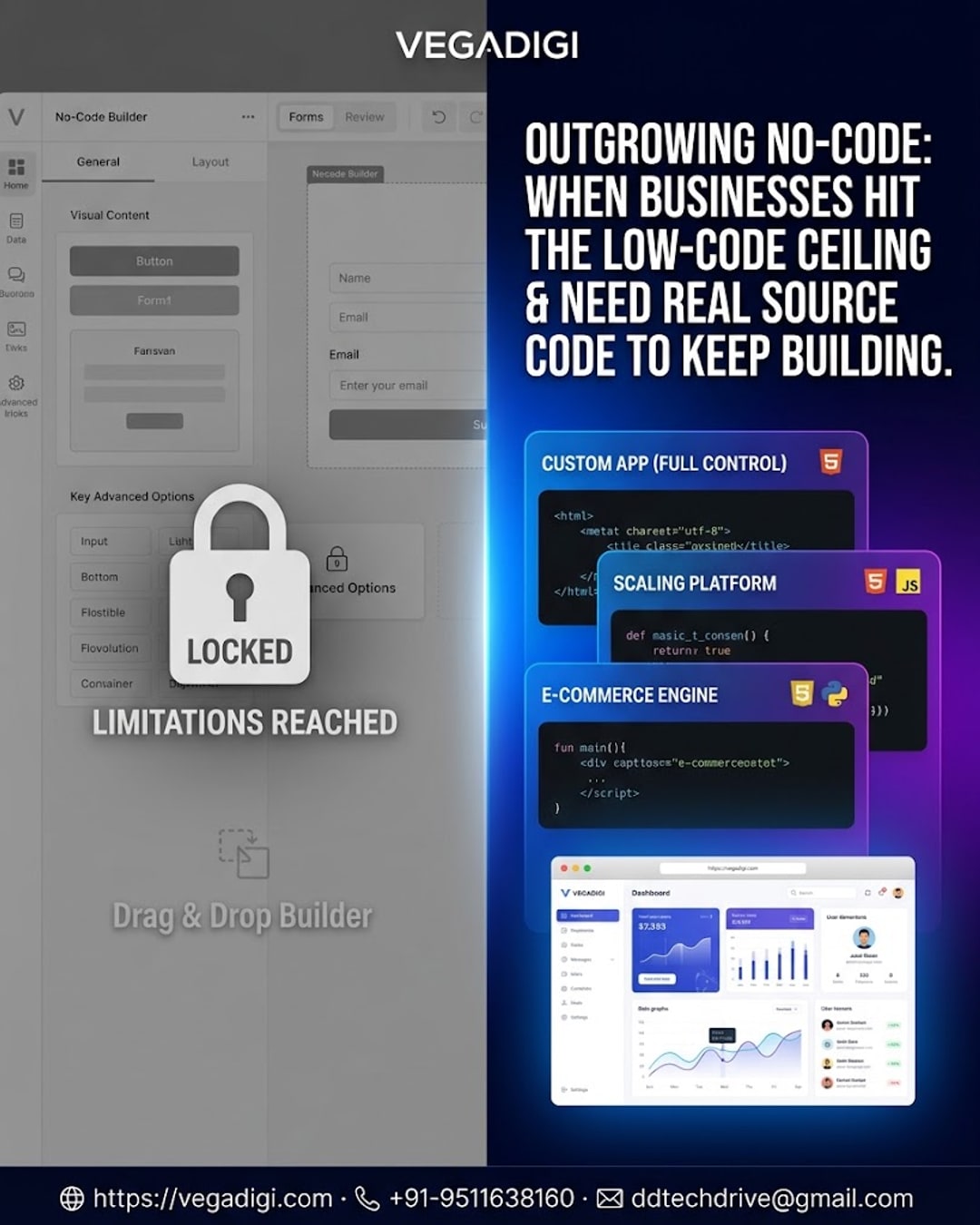
No-code tools are a fantastic way to get an idea off the ground fast. Drag, drop, publish — you've got a working app in a weekend. But there's a moment almost every growing business runs into: the feature you need simply isn't available, the plugin marketplace doesn't have what you're looking for, or the monthly cost climbs past what a custom solution would cost. That's the no-code ceiling, and this post walks through what it looks like and what your options are once you hit it.
Why No-Code Works Great Early On
No-code platforms are built for speed and simplicity. They're ideal for validating an idea, running a pilot, or getting a small internal tool live without waiting on a dev team. For a lot of use cases, that's exactly what you need — and there's nothing wrong with starting there.
Signs You've Hit the Ceiling
The signals are usually pretty consistent: you're paying for multiple add-ons just to get basic functionality, your app can't integrate with a tool your business now depends on, page speed and performance start lagging as your data grows, or you simply can't customize the user experience the way your brand needs. When two or three of these start showing up together, it's usually not a configuration problem — it's a platform ceiling.
Why Source Code Is the Natural Next Step
This is where ready-made source code becomes a practical middle ground. You're not going back to a blank IDE and building everything from scratch, and you're not stuck renting a builder that can't grow with you. A source code foundation — whether it's a SaaS script, an e-commerce platform, or business management software — gives you actual code you own, host, and modify however you need. On VegaDigi, these come as ready foundations you can customize, set up, and launch on your own infrastructure, across categories like WordPress, PHP scripts, Android app source code, and more.
Build vs Rent: A Quick Way to Think About It
A simple way to frame the decision: no-code is renting a shortcut, source code is owning a foundation. Renting is fine while you're testing. Owning matters once the product is core to your business and you need full control over performance, integrations, and customization.
What to Expect When You Make the Switch
Moving off a no-code platform isn't instant — you'll still need to set up hosting, migrate data, and customize the code to match your existing brand and workflows. VegaDigi doesn't promise a zero-work switch, but starting from a working, ready-made foundation is a very different starting point than an empty project folder.
My Take
If you're still validating your idea or running a small pilot, stay on your no-code tool — it's doing its job. But if you're hitting paywalled features, integration walls, or performance issues on a regular basis, it's worth browsing what's available as ready-made source code before committing to a full custom build. You'll get more control than a builder and a faster starting point than coding from zero.