Plug-and-play: how VegaDigi source code slots into the payment, analytics and support tools you already run
· VegaDigi Journal
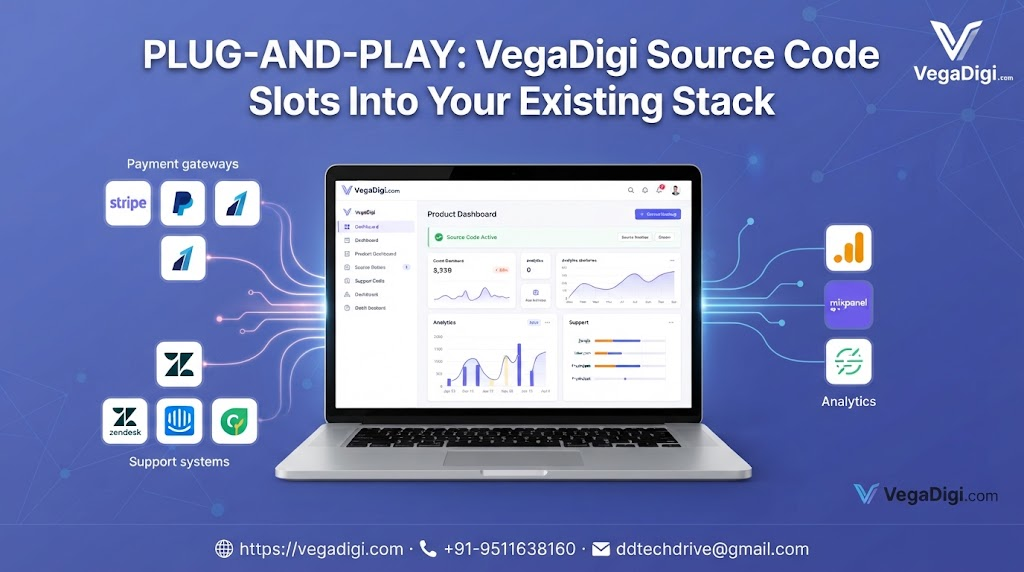
One quiet worry that stops a lot of founders and agencies from buying ready-made source code is this: will it actually work with everything else I'm already running? Nobody wants to adopt a new foundation for their app only to discover it fights with the payment gateway, analytics setup, or support tools they've already got in place. This post looks at why that concern matters, and how thinking about integration up front changes the way you evaluate ready-made source code.
Why This Question Gets Skipped
Most conversations around source code marketplaces focus on features, price, or how quickly you can get something running. Fewer people ask the practical question: does this fit into what I already have? A business rarely starts from a blank slate on the operational side — there's usually a payment processor already chosen, an analytics dashboard the team checks daily, a support inbox customers know how to reach. Any new foundation has to sit alongside those, not replace them overnight.
What Fitting In Actually Looks Like
It's less about a single big switch and more about small points of contact working smoothly — a checkout flow that can point to your payment gateway, a dashboard structure that doesn't fight with your existing analytics tags, an admin panel that doesn't force your support team to learn a completely new system on day one. Ready-made source code, chosen carefully, gives you flexibility here rather than a rigid, closed setup.
Why This Matters More for Startups and Agencies
For a startup, switching your entire toolchain to match one piece of software is expensive in time you don't have. For an agency serving multiple clients, it's worse — each client may already run different payment or support tools, and forcing a single rigid stack on all of them isn't realistic. Source code built with reasonable flexibility saves everyone from repeating that friction on every project.
What to Check Before You Buy
Before purchasing any ready-made script or app foundation, it's worth asking a few practical questions: does the structure allow standard integrations, is the codebase reasonably documented, and does the demo give you a real sense of how the admin or settings areas are organized? These answers tell you more about long-term fit than a feature list alone.
My Take
If you're evaluating ready-made source code for a real project, don't just compare screenshots — actually think through how it would sit next to the tools you already depend on daily. A product that's well-structured and reasonably open will save you far more time in the long run than one that looks polished but locks you into someone else's ecosystem. On VegaDigi, take the time to browse the live demo and product details before deciding — it's a small step that avoids a much bigger headache later.