Quick Tip: Always Keep a Clean Backup Copy Before You Start Customizing Your Source Code
· VegaDigi Journal
You just bought a ready-made script or template and you're excited to make it your own. Before you open a single file and start editing, there's one habit worth building into your workflow every single time: keep a clean, untouched backup of the original source code before you touch anything.
Why This Habit Actually Matters
Customization is exactly where things tend to go wrong. You rename a function, delete a file you thought was unused, or overwrite a config setting — and suddenly you can't remember what the original setup looked like. Without a backup, undoing that mistake means starting your customization work all over again, or worse, re-downloading and losing track of changes you'd already made.
How To Set It Up In Under A Minute
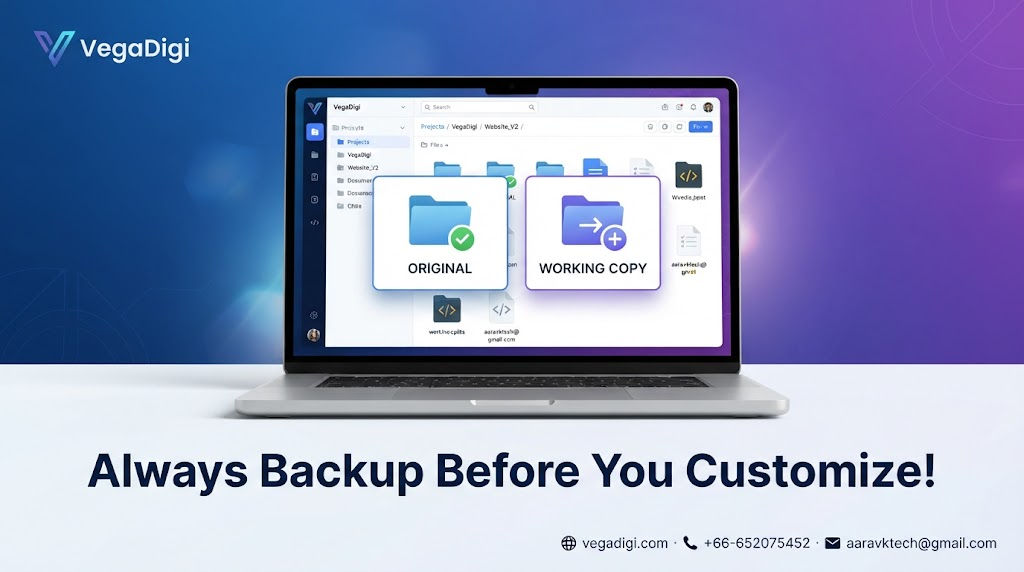
After you download your source code from VegaDigi, before opening your code editor, duplicate the entire folder. Label one copy ORIGINAL and lock it away somewhere you won't accidentally edit it — a separate folder, an external drive, or even a zipped archive. Label the second copy WORKING or DEV, and that's the only one you ever open, edit, or run.
This Applies Whether You're Solo Or On A Team
Freelancers juggling multiple client builds, agencies customizing the same foundation for different clients, and solo founders working nights and weekends all benefit the same way. If a customization breaks something halfway through, you're one copy-paste away from your working starting point again, instead of hours of undoing changes by hand.
Pair It With Version Control If You Can
If you're comfortable with Git, initializing a repository right after your backup step gives you an even finer safety net — you can track every change and roll back to any point, not just the very beginning. But even without Git, a simple untouched backup folder does the essential job.
A Habit Worth Repeating On Every Project
This isn't a one-time tip — it's something to do every time you start customizing new source code, whether it's your first project or your fiftieth. It takes less than a minute and it's the difference between a minor slip-up and losing hours of work.
My Take
Honestly, this is one of those tips that sounds almost too simple to matter — until the day it saves you. If you're just getting comfortable with code, a plain duplicated folder is enough. If you're already using Git for other projects, use it here too; the combination of an untouched backup plus version control is close to bulletproof. Either way, build the habit before you start customizing, not after something breaks. Ready-made source code gives you a real head start — this tip just makes sure you keep it.