Quick tip: always test your new VegaDigi source code on a staging subdomain before pointing it to your live domain
· VegaDigi Journal
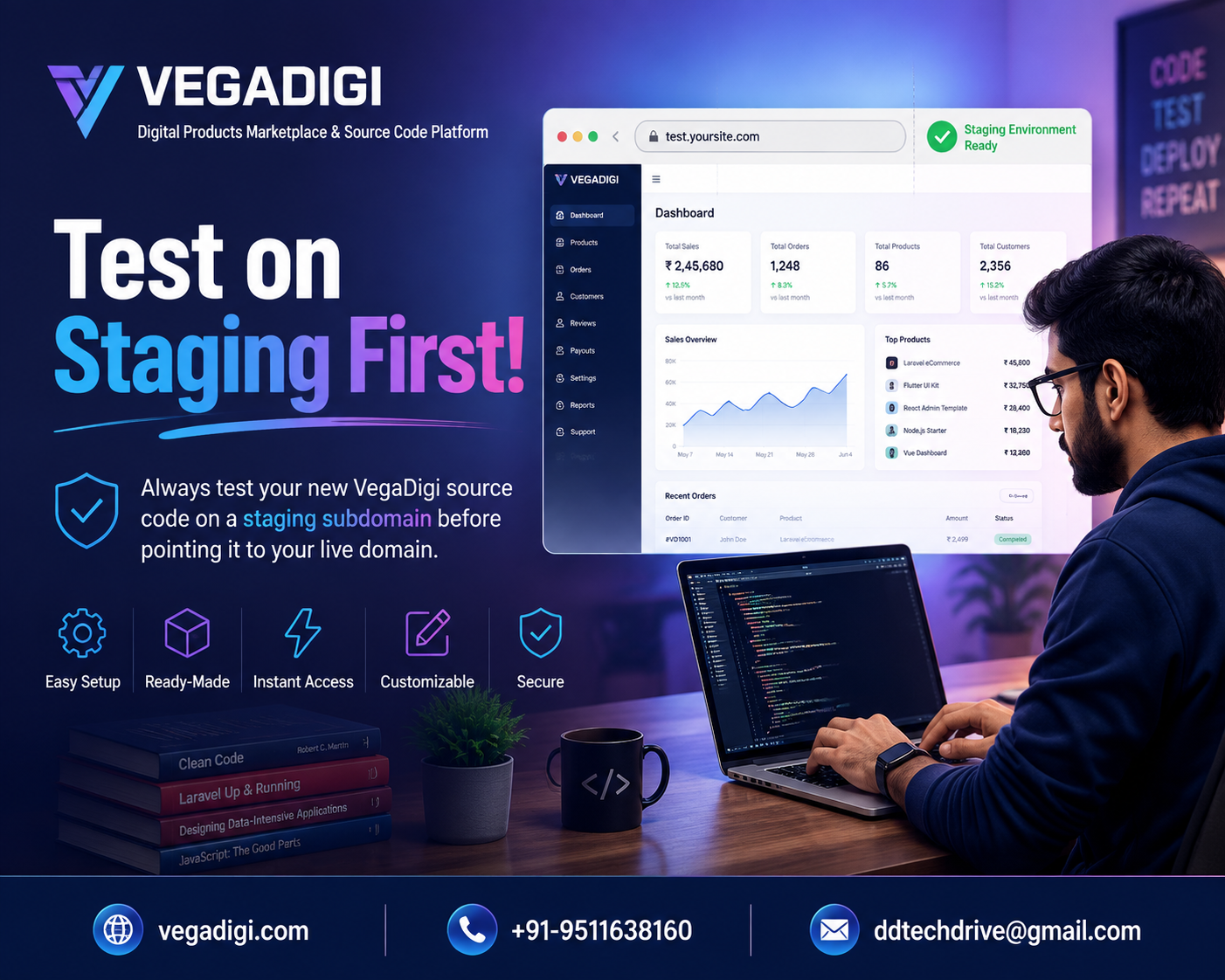
So you just bought a ready-made script or app template and you're excited to get it live. Totally understandable - but before you point that shiny new source code straight at your live domain, there's one habit worth building into every setup: test on staging first.
What a staging subdomain actually is
A staging subdomain is basically a private, throwaway version of your website - something like test.yourdomain.com - that lives separately from your real, public-facing site. Most hosting control panels let you create one in a couple of clicks, often for free. It looks and behaves exactly like your live environment, but nobody except you can see it.
Why this five-minute step matters so much
When you install ready-made source code, there are always a few small things to configure - database connections, environment settings, API keys, file permissions. Even with well-tested, ready-made products, your specific hosting setup is unique to you. Testing on staging lets you catch configuration mismatches, broken links, missing assets or layout issues in a space where mistakes cost nothing. Nobody is refreshing your homepage while you're debugging a blank screen.
What to actually check before going live
Once your source code is installed on staging, don't just glance at the homepage and call it done. Click through every major page. Test any forms, logins or checkout flows. Check how it looks on mobile. Look for broken images or leftover placeholder text. If something's off, you fix it quietly on staging - not in front of real visitors or customers.
How this fits into the bigger VegaDigi workflow
The whole idea behind buying ready-made source code is starting from a solid foundation instead of building from zero. Discover a product, buy it, customize it to fit your brand, set it up properly, and launch. That setup step is where staging testing belongs. It's a small addition to the process, but it's the difference between a rough first impression and a polished one.
A habit worth keeping long after launch
Here's the thing - this isn't a one-time trick for your first launch. Every time you update your source code, add a new feature, or make a significant change down the line, running it through staging first keeps your live site stable. Developers who skip this step tend to learn the hard way, usually with an unhappy customer watching a broken page load in real time.
My take: if you're setting up any new source code this week - whether it's a WordPress theme, a PHP script or a full SaaS product - build the staging step into your process from day one. It costs you almost nothing in time, and it's the kind of habit that quietly separates rushed, amateur-looking launches from ones that feel genuinely finished. Once you've done it a couple of times, it becomes second nature - and you'll never want to skip it again.