Quick tip: back up your source code before you touch a single file to customize it
· VegaDigi Journal
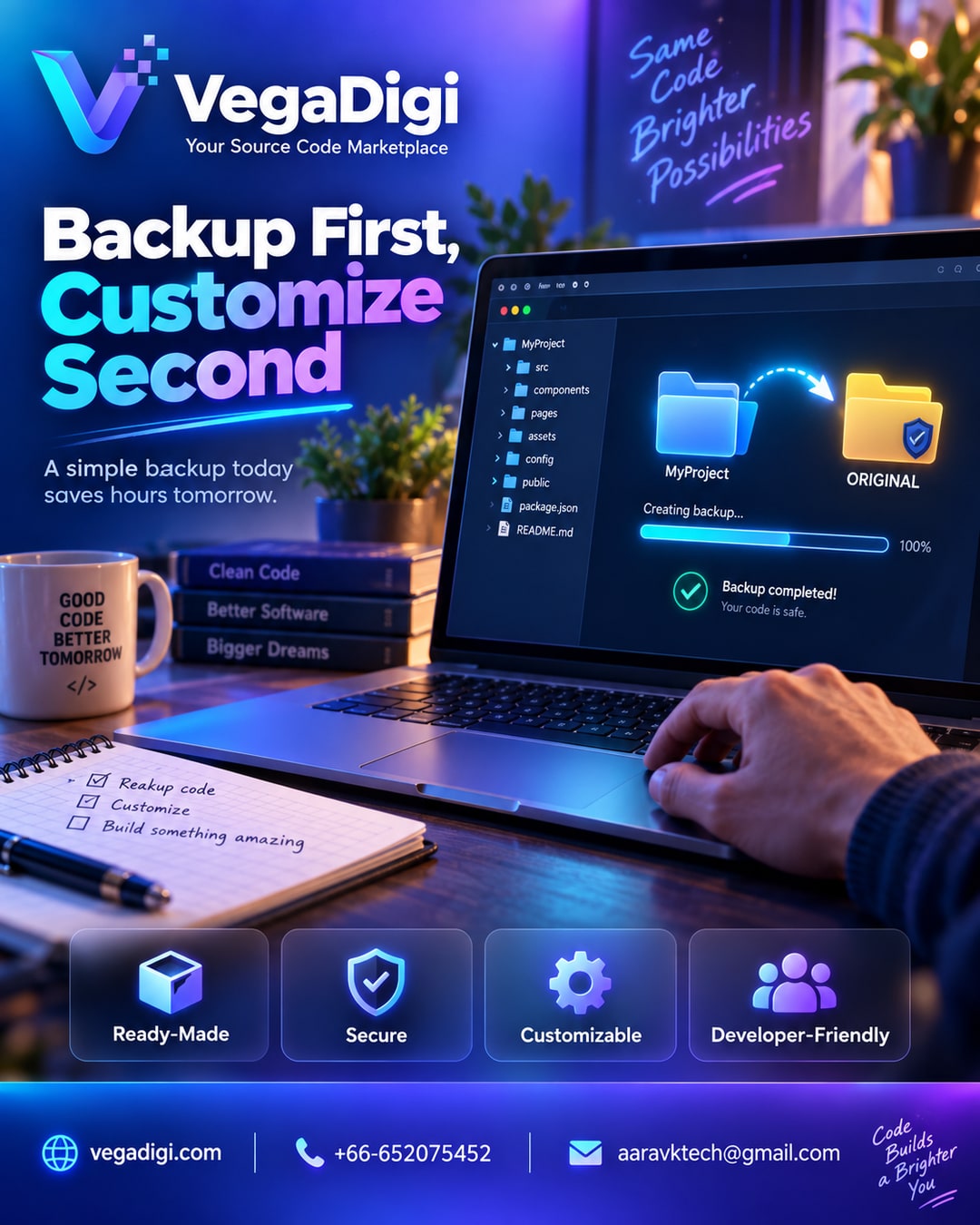
You just bought a ready-made source code package — a script, a theme, an app foundation, whatever fits your project. Before you open your editor and start changing things, there's one small step worth doing first, and most people skip it: make a backup.
Why backing up your source code matters before customization
When you start customizing source code — changing branding, adjusting logic, rewiring a few components — things move fast. You're editing files, testing changes, maybe installing new dependencies. It's easy to lose track of exactly what the original looked like before you started. If a change breaks something three files deep, or a customization takes your project in a direction you didn't want, having the clean original sitting untouched in a separate folder means you can compare, roll back, or simply start that section over without re-downloading anything or second-guessing what you changed.
How to do it in under two minutes
Right after you download your source code, duplicate the entire project folder. Rename the duplicate something clear like project-original or source-backup, and leave it alone. Do all your actual work — customizing, configuring, testing — in a separate working copy. That's it. No special tools, no extra software, just a folder copy and a naming convention you'll actually remember.
This habit matters more with ready-made source code than from-scratch builds
With a from-scratch build, you usually have version control set up from day one because you're writing everything incrementally. With ready-made source code, you're often making rapid changes right out of the gate — swapping branding, adjusting settings, wiring up your own accounts and configuration. That faster pace is exactly why a simple backup habit matters here. It's not about distrust in the code you bought — it's about protecting your own customization time.
What this looks like in practice
Say you're customizing a ready-made SaaS script, an Android app source code, or a business management system. You duplicate the folder, keep the original safe, and start editing the working copy — updating branding, connecting your own database, adjusting a workflow. If something goes sideways during setup, you're not stuck. You go back to the original, figure out where things diverged, and move forward again with a clear head instead of frustration.
My take
If you're buying ready-made source code to save time, don't undo that advantage by making customization riskier than it needs to be. This backup habit costs you two minutes and zero dollars. Do it every single time, no exceptions — whether it's a small script or a full application foundation. It's the kind of habit that only matters on the one day you actually need it, and on that day, you'll be very glad you did it.
Looking for a ready-made starting point for your next project? VegaDigi is a digital products marketplace and source code platform where developers, startups, and agencies discover ready-made source code, customize it, set it up, and launch. Explore categories like SaaS scripts, WordPress themes, PHP scripts, and Android app source code at vegadigi.com.