Quick Tip: Change Every Default Password and API Key the Moment You Set Up New Source Code
· VegaDigi Journal
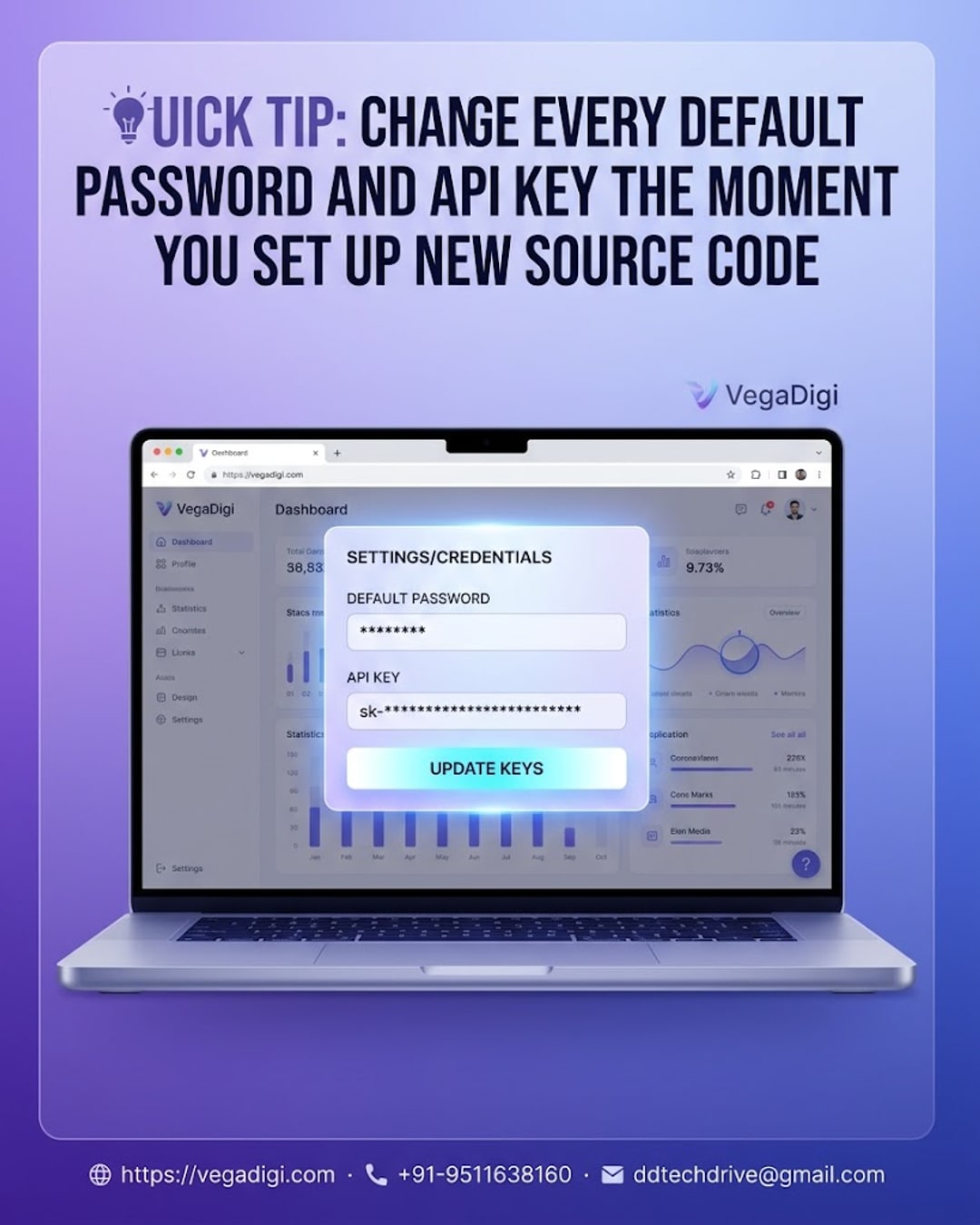
So you just bought a ready-made script, app, or website template and you are ready to get building. Before you write a single line of custom code or connect your domain, there is one habit that matters more than almost anything else at this stage: changing every default password and API key that came with the product.
Why default credentials exist in the first place
Most source code products, whether it is a SaaS script, an Android app source code, or a WordPress theme with a demo backend, ship with placeholder logins and test API keys. These exist so buyers can explore a working demo immediately without setup friction. They are convenient for testing, but they are also public knowledge the moment a product is listed - anyone who buys the same source code sees the same defaults.
What happens if you skip this step
Leaving default admin logins, database passwords, or third-party API keys untouched is one of the simplest ways a new project gets compromised before it even properly launches. It is not a flaw in the source code itself - it is simply what happens when test credentials are treated as production-ready. A few unattended accounts with default passwords is often all it takes.
Where to actually check
Admin panel login - the very first place to change, since this usually controls everything else.
Database and hosting credentials - especially if the product includes a sample database or seed data.
Third-party API keys - payment gateways, maps, email services, or any integration the source code connects to out of the box.
Environment or config files - these often quietly store old test keys long after the interface itself has been updated.
Making it part of your setup routine
The easiest way to never forget this step is to treat it as part of setup, not an afterthought. Before you customize branding, colors, or content, run through your credentials checklist first. It takes a few minutes and it means every later customization step happens on a secure foundation instead of a leftover demo environment.
Why this matters more with ready-made source code
Starting with ready-made source code from a marketplace like VegaDigi means you are working with a tested foundation instead of building from zero - but that foundation still needs to be configured for your specific setup, not just for the demo. Discovering, buying, and customizing source code is only part of the process; setting it up properly is what actually gets you to a safe launch.
My take
If you are new to working with source code, make credential rotation the very first task on your setup checklist, before design tweaks or content changes. It is genuinely a five-minute job the first time you do it, and it becomes second nature after that. Skipping it to save time is one of those shortcuts that rarely pays off - so do it first, then move on to actually making the product your own.