Quick tip: the 5-point checklist to run inside any live demo before you buy source code
· VegaDigi Journal
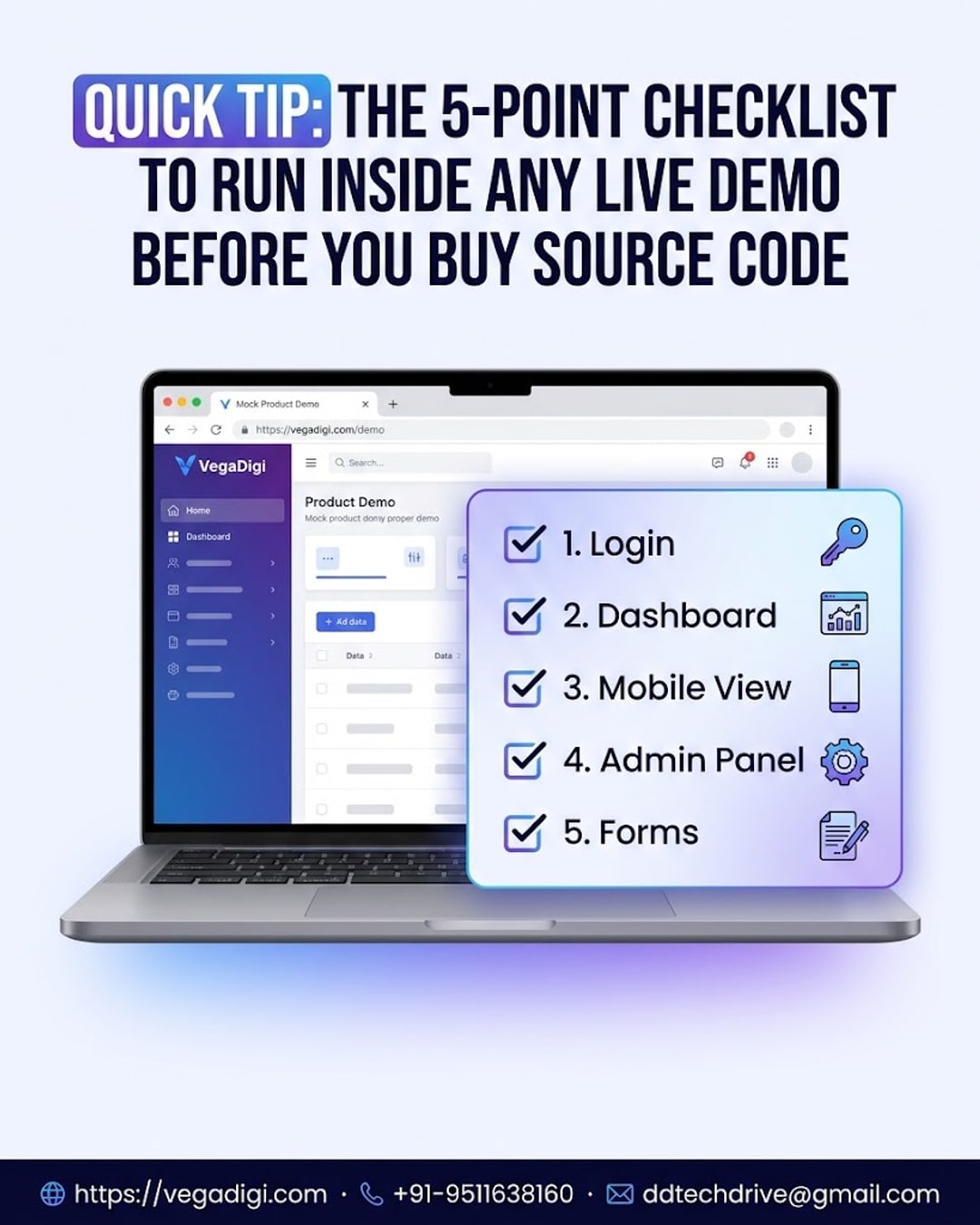
If you're about to buy ready-made source code for your next project, don't stop at the screenshots. A polished screenshot can hide a lot - what actually matters is how the product behaves when you click around it live. Here's a quick, practical checklist you can run today, in under five minutes, before you spend a single rupee.
Why the live demo matters more than screenshots
Screenshots show you a moment in time, carefully framed. A live demo shows you behavior - how screens load, how navigation feels, and whether the product actually works the way it's described. If a listing offers a working demo, always use it before deciding.
Check the login and authentication flow
Start here. Log in, log out, try a password reset if it's available. This is the first thing your own users will touch, so it's worth seeing exactly how smooth or clunky it is before you commit to building on top of it.
Click through the core dashboard
Spend a couple of minutes navigating the main dashboard or homepage. Open the key menus. Does everything load without obvious errors? Does the layout make sense? You're not looking for perfection - you're looking for a solid foundation you can reasonably customize.
Test the mobile view
A huge share of your future users will be on a phone. Resize your browser or open the demo on your mobile device and see how it adapts. If the responsive behavior is broken now, that's something you'll need to fix before setup, so it's better to know upfront.
Peek into the admin panel
If the product includes an admin or management panel, take a look. This is where you (or your client) will spend a lot of time later - managing users, content, orders, or settings. A confusing admin panel today usually means a frustrating setup later.
Submit a test form or transaction
Whatever the core action of the product is - a signup, a booking, a checkout, a contact form - try it. This tells you whether the basic functional loop actually works end to end, which is really the heart of what you're buying.
Why this five-minute habit pays off
Think of it as buy-vs-build due diligence. You're not evaluating whether the product is a finished business - it isn't, and no responsible listing should claim that. You're evaluating whether it's a solid, working foundation that's worth customizing, setting up, and launching from. That distinction matters, and a live demo is the fastest way to check it.
On VegaDigi, product listings are built around this idea - you can explore a working demo before you buy, across categories like WordPress, PHP scripts, SaaS starters, Android app source code, and e-commerce solutions. It won't tell you everything about a product, but it tells you enough to buy with confidence instead of guesswork.
My take: if you're evaluating source code for a client project or your own startup, treat the demo like a mini code review - even if you can't read the code yet. Five minutes clicking through login, dashboard, mobile view, admin panel, and one form will tell you more than any product description. Skip this step and you're buying blind; do it, and you're starting your customization with real confidence instead of hope.