Quick Tip: Use VegaDigi's Category Filters to Find the Right Source Code in Under 2 Minutes
· VegaDigi Journal
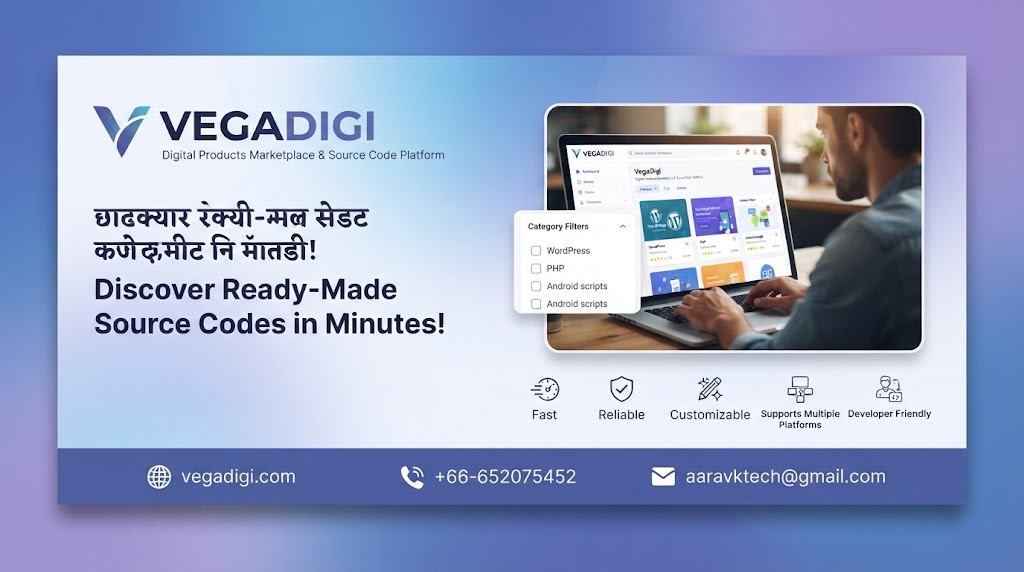
If you've ever opened a marketplace and started scrolling through page after page hoping something useful shows up, you already know how much time that wastes. Here's a simple habit that fixes it on VegaDigi in under two minutes.
Start With the Category Filters, Not the Homepage
Most people land on VegaDigi and immediately start scrolling the main feed. Skip that. Head straight to the category filters instead. VegaDigi organizes its marketplace into distinct categories - WordPress themes and plugins, PHP scripts, SaaS scripts, Android app source code, website templates, ecommerce scripts, business management software, AI and automation tools, and more. Selecting your category first cuts out everything irrelevant before you've even started browsing.
Narrow Twice, Not Once
Once you've picked a broad category, narrow again if the option is available. If you're a developer looking for a mobile app foundation, filtering down to Android app source code specifically - rather than browsing all mobile templates - gets you to relevant results faster. The same logic applies whether you're a freelancer hunting for a PHP script, an agency owner comparing ecommerce foundations, or a startup founder scanning SaaS scripts.
Why This Actually Matters
The point of a marketplace like VegaDigi is to give you a starting point instead of an empty screen. But that only works if you can actually find the product that fits your project. Filtering by category isn't just a convenience feature - it's the difference between spending twenty minutes scrolling and spending two minutes landing on something worth a closer look.
Who This Helps Most
This tip matters most if you're evaluating multiple products in one sitting - agencies comparing foundations for different client briefs, freelancers checking what's available before quoting a project, or technical founders scanning options for a new idea. Filtering first means you spend your time reviewing products, not searching for them.
My Take
If you're new to VegaDigi, don't treat it like a general shopping site where you browse for fun. Treat it like a search tool: know your category before you click in, filter immediately, and only then start comparing individual listings. It sounds obvious, but most people skip it and waste time as a result. Two minutes of filtering upfront saves a lot more than two minutes of scrolling later. Head to vegadigi.com and try it on your next project search.