The 12-Industry Stat: How One Ready-Made Script Powers a Dozen Different Businesses
· VegaDigi Journal
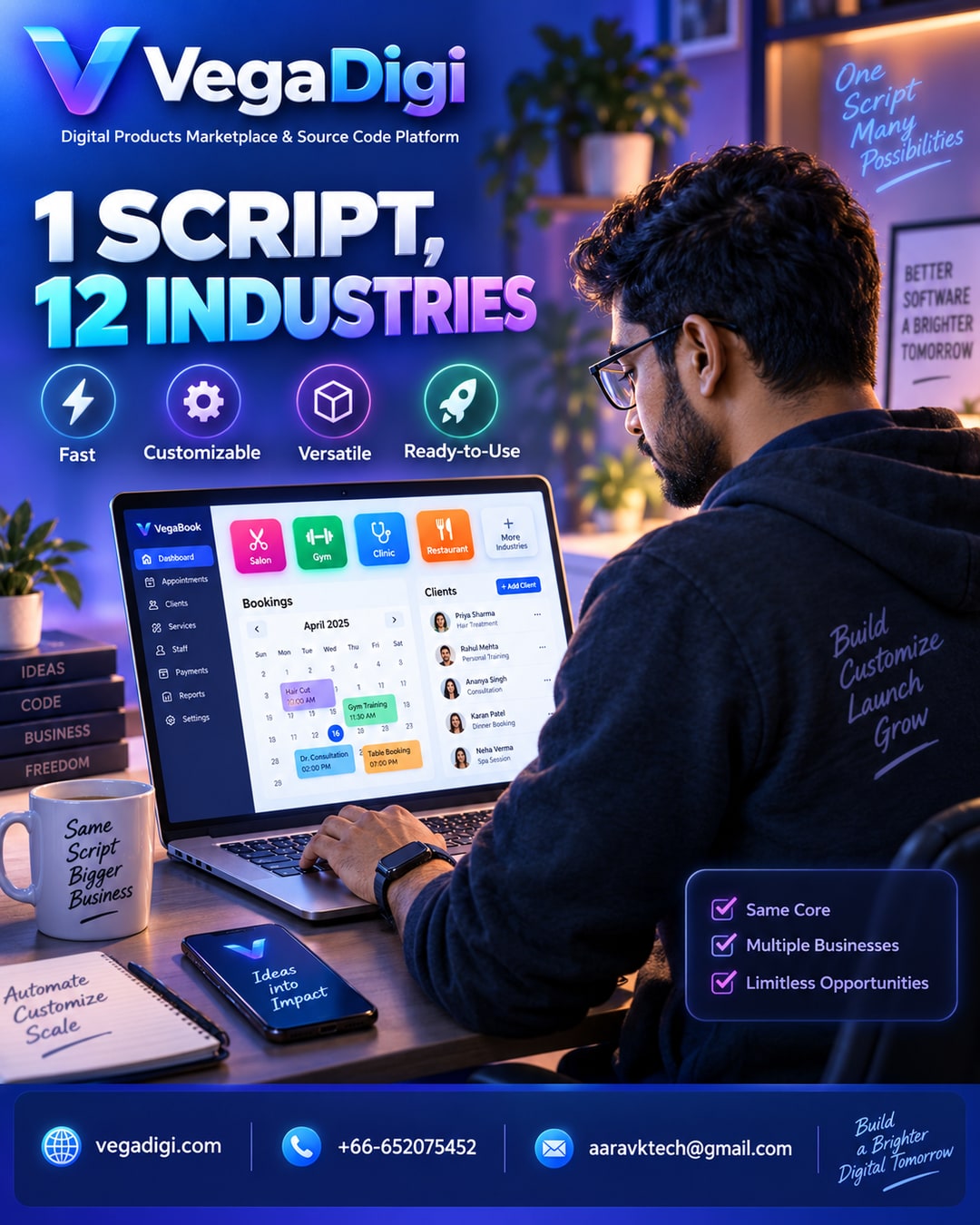
Walk into a salon booking app, a gym membership portal, a clinic appointment system, and a restaurant reservation tool, and you will notice something odd — under the branding, they are often solving the exact same problem. A calendar. A client list. An admin panel. Notifications. That overlap is exactly why one category of ready-made source code can become the starting point for a dozen completely different businesses.
This article looks at why that pattern exists, what it means if you are trying to launch fast, and how to think about picking a foundation instead of starting from a blank file.
Why So Many Businesses Share the Same Backbone
A salon owner and a gym owner have different customers, different services, and different pricing. But their software needs overlap heavily: someone books a slot, staff sees a schedule, an admin manages clients and payments. That shared backbone is the boring-but-essential 80% of the build. The 20% that actually differs — service types, branding, specific workflow tweaks — is where the real customization happens.
What Changes Between Industries
When a booking-and-management script gets adapted for a restaurant instead of a clinic, the differences show up in the details: table layouts instead of exam rooms, menu items instead of treatment lists, different notification timing. The core structure — scheduling logic, client records, admin dashboard — stays largely intact. That is the part a ready-made foundation already solves for you.
What This Means If You Are Starting a Business
If you are a salon owner, a gym founder, a clinic manager, or a restaurant operator looking to go digital, you do not need someone to write a booking system from scratch just for your industry. You need a solid foundation you can customize, set up, and launch with your own branding and workflow on top.
That is a different mindset than the traditional build-from-zero approach, where every business commissions its own version of the same basic scheduling logic. It also does not mean the source code becomes a finished business the moment you download it — customization, setup, and configuration are still real steps.
How to Evaluate a Ready-Made Foundation
Before picking any script, look at whether its core structure fits your workflow closely enough that customization stays reasonable, rather than becoming a second full build. Check what is included in the download, whether a live demo is available to test drive first, and what setup support looks like.
My Take
If you are non-technical and just need something workable fast, look for a script close to your exact use case so customization stays light. If you are technical or working with a developer, a slightly more general-purpose script with clean structure gives you more room to adapt it heavily without fighting the original design. Either way, starting from a proven foundation beats staring at an empty project file — you are not skipping the work, you are skipping the part that has already been solved a hundred times before.