The Filter Bar Feature: How VegaDigi Lets You Search Source Code by Exact Tech Stack, Not Just Category
· VegaDigi Journal
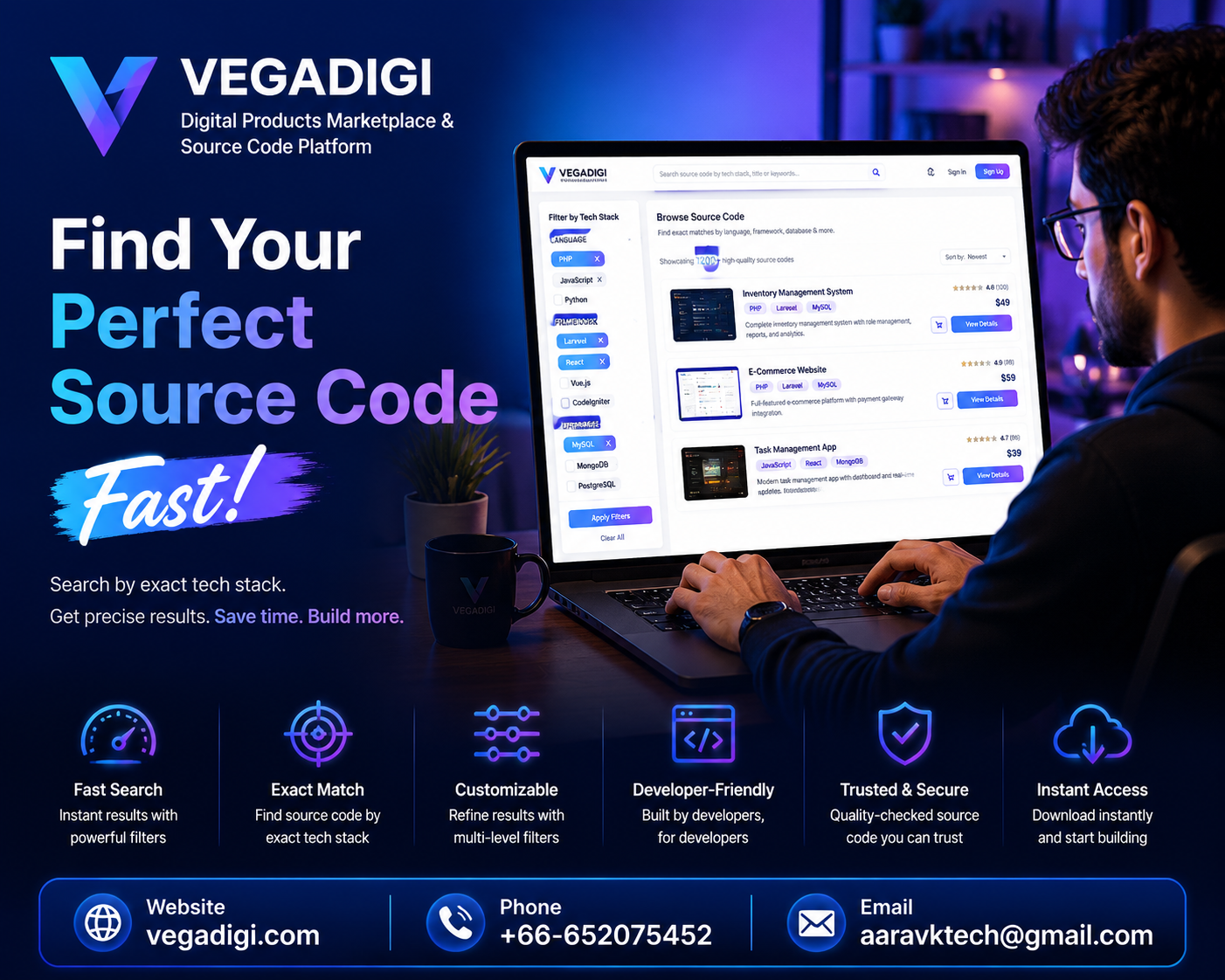
If you've ever browsed a digital marketplace hoping to stumble on something built in your language or framework, you know how much time that wastes. VegaDigi solves this with a simple but powerful filter bar that narrows the entire source code marketplace down to your exact tech stack before you even open a single listing. Here's what it does and why it matters for your next project.
Why Browsing By Category Alone Falls Short
Categories like SaaS Scripts or Android App Source Code tell you what a product does, not how it's built. A developer working in a specific framework or database still has to click into dozens of listings just to check compatibility. That's wasted time before development has even started.
How the Tech-Stack Filter Works
On VegaDigi, you can narrow results by language, framework and database together, layering filters to get a shortlist that actually matches your setup. Instead of manually cross-checking each product page, the marketplace does the sorting for you, so what's left on screen is relevant from the first glance.
Who Benefits Most
Agencies juggling multiple client stacks, freelancers with a preferred framework, and startups whose technical founder has already locked in a stack all save real time here. Even non-technical founders with development support can filter down to a shortlist and hand it to their developer for a faster review, rather than sending over a huge unsorted list.
Filtering Is a Starting Point, Not a Shortcut
It's worth being clear: the filter helps you find a relevant foundation faster, it doesn't replace reviewing the product itself. Once you've narrowed the marketplace down, you'll still want to check the listing details and demo before buying, then customize and set up the source code for your own project.
My Take
If you already know your stack, use the filter first every single time - it turns a big marketplace into a short, relevant list in seconds and saves you from clicking through products you'd never use anyway. If you're still deciding on a stack, browse a bit more broadly first, then apply filters once you've narrowed things down. Either way, it's a small feature that quietly saves a lot of scrolling.