The Localization Check: Verifying Multi-Language & Multi-Currency Readiness Before You Buy Source Code
· VegaDigi Journal
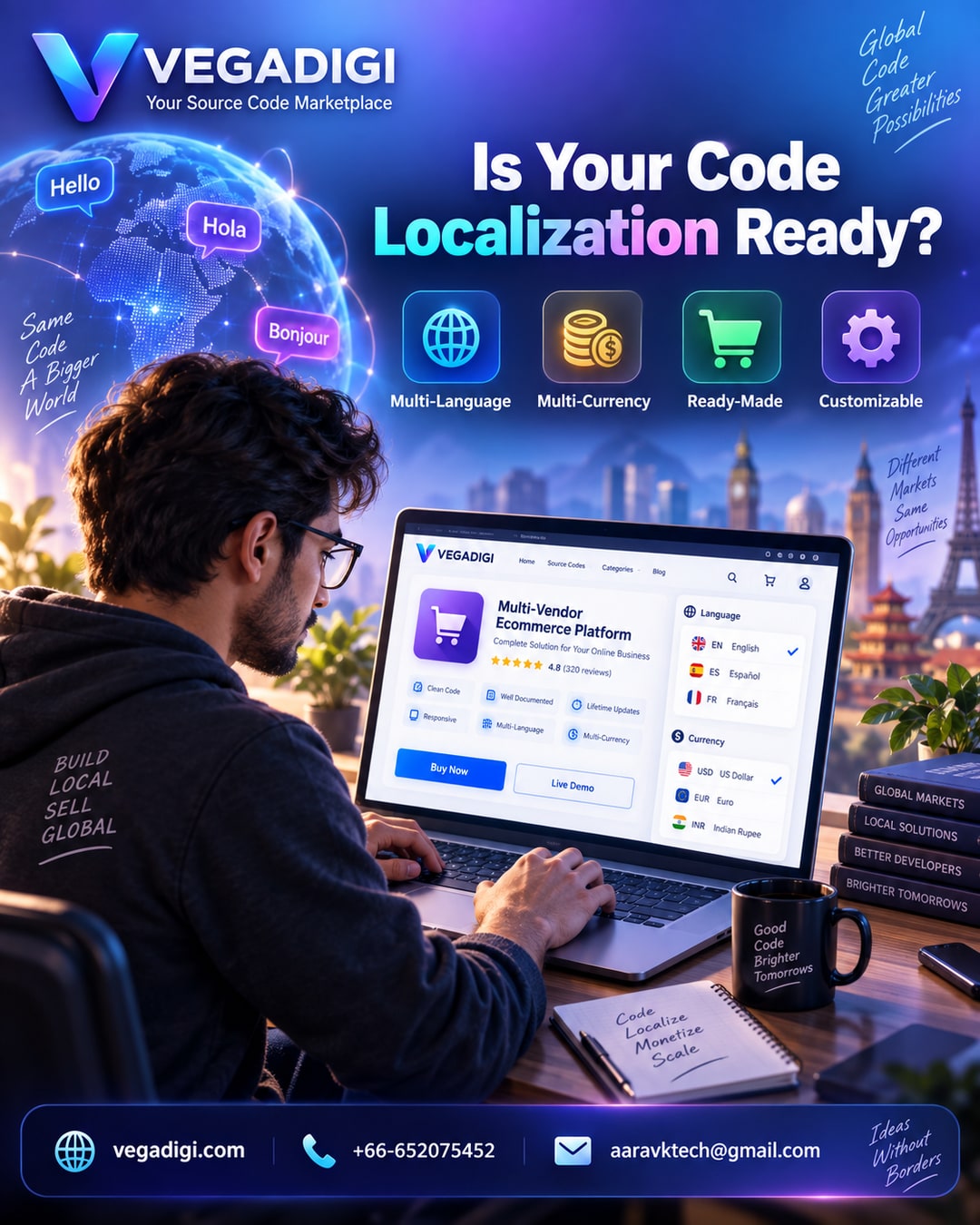
If you're planning to sell beyond your home country, there's a detail that's easy to overlook when picking ready-made source code: does it actually support multiple languages and currencies? It sounds minor until you're three months into customization and realize your entire checkout flow is hardcoded to one currency. This post walks through why localization readiness matters and how to check for it before you buy.
Why This Gets Missed
Most buyers focus on the obvious stuff first: does the design look good, does the feature list match what they need, is the price reasonable. Language and currency support rarely make the checklist, mainly because it's not visible in a screenshot. You have to actually dig into the product specs or ask the seller directly.
What Retrofitting Actually Costs
Adding multi-language support to a codebase that wasn't built for it usually means going through every screen, every string, every form label, and rebuilding how text is stored and displayed. Currency support is similar; if pricing, tax, and checkout logic assume one currency, switching later touches a lot of code, not just a settings toggle. This is exactly the kind of foundational work that's much easier to plan for at the start than to bolt on afterward.
What to Actually Check Before Buying
Look for whether the product description mentions language files or translation support, whether currency formatting is configurable, and whether the demo lets you preview the interface in more than one language. If none of that is stated, it's worth asking the seller directly rather than assuming.
The VegaDigi Approach
On VegaDigi, product listings include this kind of technical detail where the seller has provided it, so buyers evaluating international scalability can make an informed call before purchasing rather than discovering limitations mid-project. The idea isn't that every script needs to support ten languages out of the box; it's that you should know what you're getting into before you commit.
Customization Is Still Part of the Process
Even a script with solid localization support will need setup: adding your target languages, mapping your currencies, adjusting regional formatting. Ready-made source code gives you a foundation built with that flexibility in mind, not a finished multi-region product with zero work required.
My Take
If you're building for one market right now and might expand later, don't over-invest in localization features you don't need yet, just confirm the underlying structure won't fight you when you do expand. If international launch is part of your plan from day one, treat language and currency readiness as a non-negotiable line item on your buying checklist, right alongside price and features. It's a five-minute check that can save you weeks of rebuilding.