Start Selling on VegaDigi
Join 8,000+ creators earning from their digital products. Fill the form — our team will reach out within 24 hours.
Hi there! 👋 I'm your VegaDigi AI assistant.
Ask me anything — find products, compare prices, get recommendations, or learn about our services.
FForce Game Booster 4X Faster with AdMob Ads Android
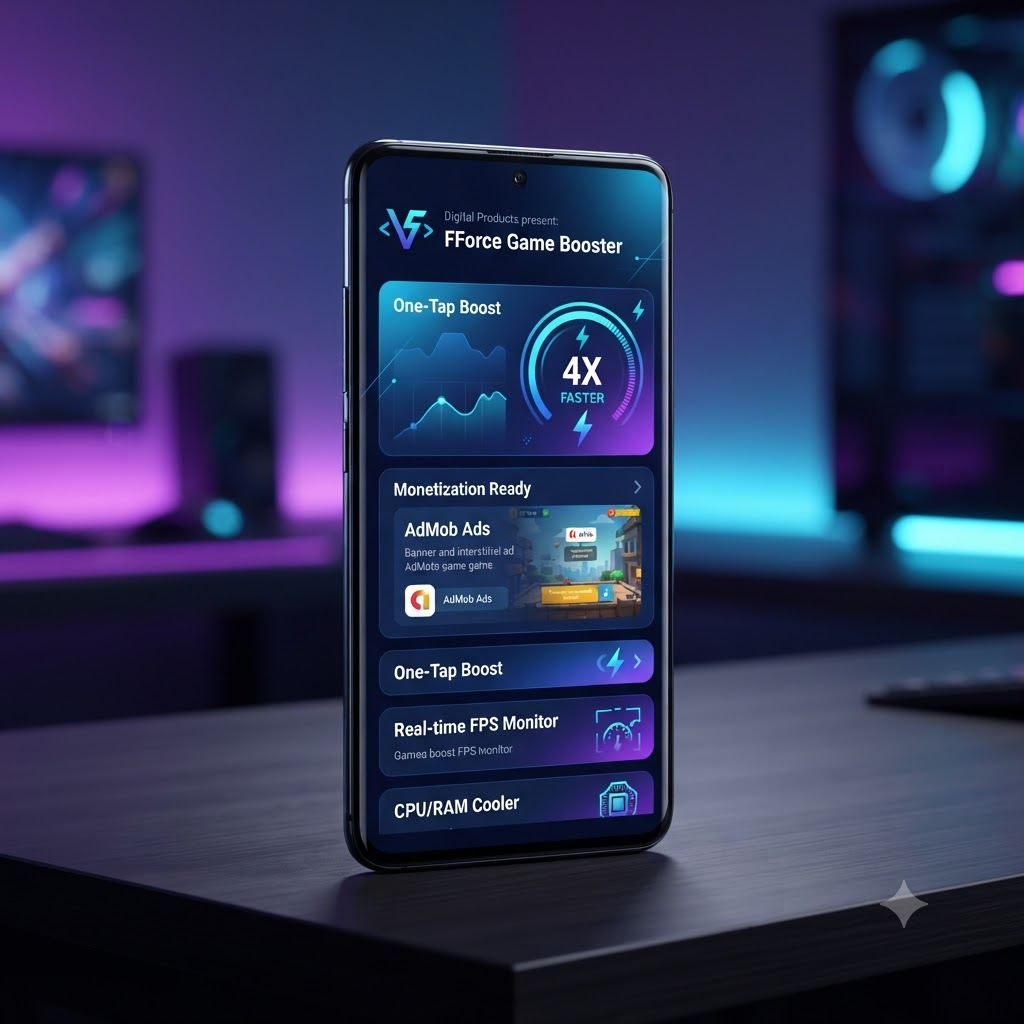
It provides a library of your installed games and allows you to launch them from within the app. It also offers three different modes: Low Battery, Balanced, and Gamer Mode.Elevate your gaming experience to new heights with Game Master, …
- Open FForce Game Booster app
- Select the desired mode
- Click Play button on selected game
- The desired changes are made
- Swipe Launch action
Everything You Need Out of the Box
Carefully crafted features that ship with this product — no extra setup, no hidden costs.
Open FForce Game Booster app
Select the desired mode
Click Play button on selected game
The desired changes are made
Swipe Launch action
Completed enjoy the game with better experience
Simple, Clean & User-Friendly Interface
AdMob & Facebook ads Integrated
Customer Rating
4.9/5 From 239 verified buyersSales
2,259+ Trusted by businesses worldwideSetup Time
< 5 min From download to liveBuilt to Scale & Convert
It provides a library of your installed games and allows you to launch them from within the app. It also offers three different modes: Low Battery, Balanced, and Gamer Mode.
Elevate your gaming experience to new heights with Game Master, the ultimate game booster and launcher app for Android! Game Launcher is Android app that helps you manage your games.
Game Launcher Say goodbye to the hassle of finding and launching your favorite games. FFBooster’s intuitive Game Launcher organizes all your games in one place, allowing you to launch them with a single tap. Easily navigate through your game library and dive into the action instantly.
Supports All Games Our Game Booster is compatible with a wide range of games, ensuring every gamer gets a competitive edge.
Performance Monitoring Keep track of your device’s performance with real-time monitoring. FF Game Booster provides detailed statistics on CPU usage, RAM utilization, and storage and signal levels, ensuring you always have a pulse on your device’s health.
Smart Modes for Every Scenario Game Master offers three distinct modes tailored to your preferences and requirements
How to use FForce Game Booster:
- Open FForce Game Booster app
- Select the desired mode
- Click Play button on selected game
- The desired changes are made
- Swipe Launch action
- Completed enjoy the game with better experience
- Simple, Clean & User-Friendly Interface
- AdMob & Facebook ads Integrated
- Android 16 support with SDK 36
Technical Specifications:
- Language: JAVA
- UI: XML with Material Components
- Minimum SDK: API 23 (Android 6)
- Target SDK: API 36 (Android 16)
From Purchase to Launch in 4 Simple Steps
Get up and running in minutes — no fluff, no waiting around.
Purchase Securely
Complete checkout via Razorpay-secured payment.
Instant Download
Files are available immediately in your account.
Quick Setup
Follow the included docs — usually under 5 minutes.
Launch & Grow
Customize, deploy, and scale to your audience.
What Buyers Are Saying
Based on 239 verified reviews
"Excellent quality and instant delivery. The documentation is super clear and setup was a breeze. Highly recommend!"
"Perfect for our use case. Saved us weeks of development time. Support team responded within an hour."
"Clean code, easy to customize. Worth every rupee. Looking forward to future updates."
Get FForce Game Booster 4X Faster with AdMob Ads Android
Join 2,259+ customers who trust this product to power their business.